A mobile PageSpeed score of 99 reflects a website that renders quickly, remains stable while loading and responds promptly. Reaching it requires a sequence of careful decisions rather than one setting.
What PageSpeed actually measures
PageSpeed Insights runs Lighthouse under simulated conditions: a mid-range phone and slower mobile connection. A website that feels instant on a laptop may score orange on mobile. The score combines several metrics, including Core Web Vitals used in search.
| Metric | What it measures | Good value |
|---|---|---|
| LCP | When the largest visible element appears, usually the hero image or heading | up to 2.5 s |
| INP | How quickly a page responds to a click or tap | up to 200 ms |
| CLS | How much content shifts while the page loads | up to 0.1 |
| TBT | How long JavaScript blocks the page in a laboratory test | up to 200 ms |
The laboratory score and real-user data describe different things. We use laboratory tests during development; field data reflects visitors' actual devices and connections. Google aggregates field data over 28 days, so improvements take time to appear.
Performance starts before the first plugin
Theme and builder selection determines much of the performance. Heavy builders can add layers of wrappers and unnecessary scripts and styles. Caching may mask those issues without fixing them.
We build with Bricks because it produces clean HTML and loads only what a page uses. Every plugin must justify its place. Before installing one, we check whether a few lines of CSS or JavaScript can meet the requirement.
- one builder, without extensions duplicating its functions
- no more than two font families
- without a hero slider, a common LCP bottleneck
- forms, maps and chat only on pages that need them
Images and fonts
The hero image is often the LCP element. We avoid lazy loading it, provide dimensions and priority hints, and deliver WebP or AVIF sized for the screen.
<img src="hero.webp" width="1600" height="900" alt="Image description" fetchpriority="high" decoding="async">Below-the-fold images load as visitors approach. The attributes width and height are required on every image. Without them, the browser cannot reserve space, causing content movement and increased CLS.
We host fonts alongside the website and load only the weights in use. The primary font is preloaded, while font-display: swap keeps text visible before the font arrives.
JavaScript that can wait
JavaScript is a common cause of poor mobile TBT and INP. Analytics, advertising pixels, chat and cookie banners rarely all need to start immediately. We defer suitable scripts until scrolling, clicking or touching the screen.
The fastest JavaScript is code that never loads. Next best is code that loads only when needed.
Scripts that need to run promptly receive the attribute defer, so they do not block rendering. After deferring scripts, we check that the menu, forms and cart still work, because delaying a script too early can break the first thing a visitor uses.
Caching and servers: where Djia Cache fits
Without caching, WordPress runs PHP and queries the database on every visit. Caching saves the page as ready-made HTML and serves it immediately to subsequent visitors. Time to first byte (TTFB) can fall from hundreds of milliseconds to tens.
We built Djia Cache after years of using other solutions. It combines page caching, preloading and asset optimization in one plugin:
- page caching with separate mobile and desktop caches
- LCP preloading, with automatic detection on Bricks websites
- critical CSS and JavaScript deferral until interaction
- background cache rebuilding after publication, avoiding a wait for the first visitor
- WooCommerce rules: cart, checkout and account pages are never cached
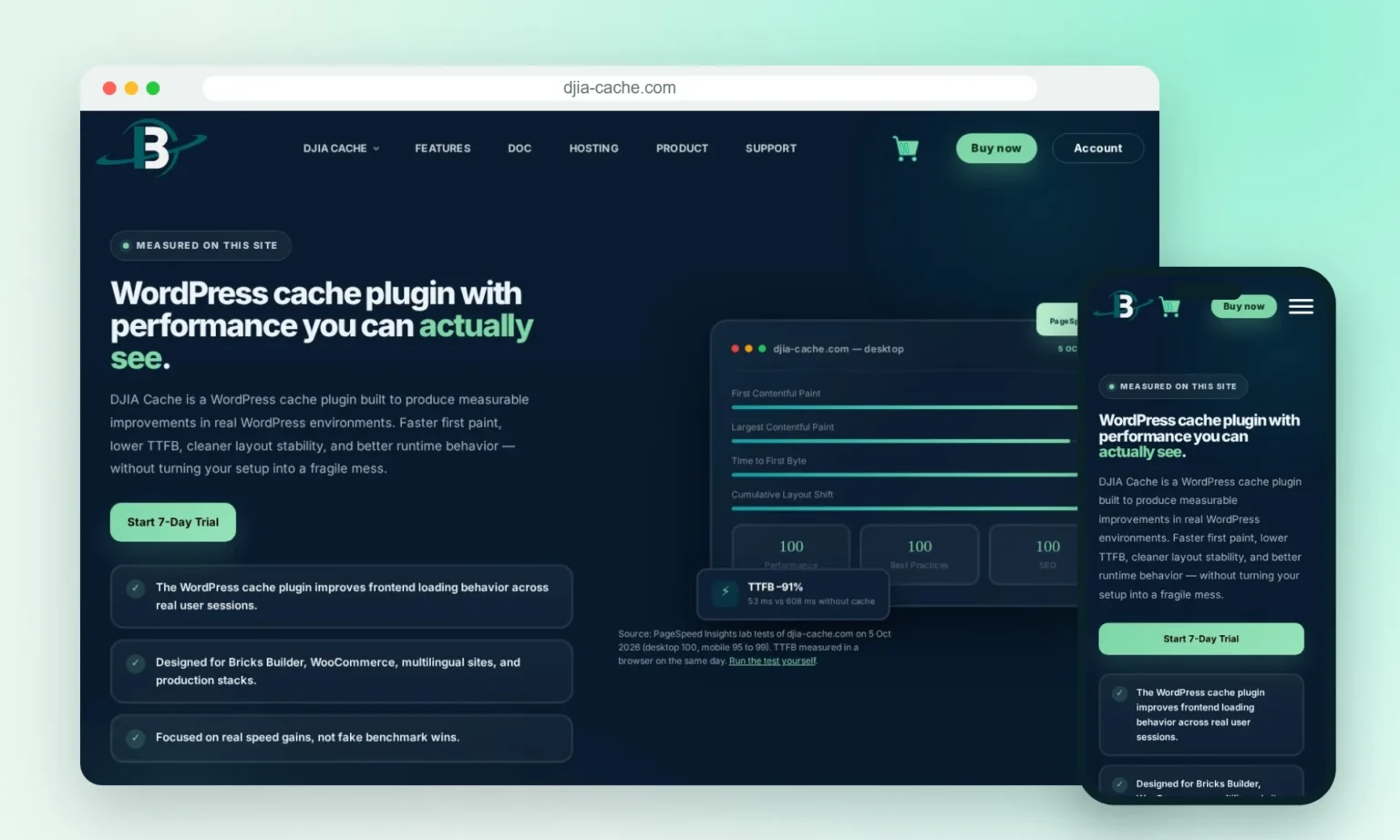
Our laboratory test on 5 October 2026 measured djia-cache.com TTFB at 53 ms with caching and 608 ms without. This is a result for our server and website, not a guarantee for every installation.
What caching cannot fix
Djia Cache does not optimize images or clean databases. We prepare images before upload and maintain databases through hosting. Caching also cannot fix poor code: unnecessary animation libraries remain unnecessary even when delivered faster.
We use Djia Cache on every website we host. Explore the plugin's features, or contact us if you would like us to test it on your website.
How we measure results
A single test is not a result. We run PageSpeed Insights mobile tests at least three times and use the median for the home page, an inner page and, for stores, a product page. Small score variations are normal.
Mobile and desktop scores are measured separately. Desktop conditions are less demanding, so a desktop 99 can accompany a mobile 70. We prioritize mobile, reflecting visitors' devices and Google's mobile-first indexing.
After launch, we monitor Core Web Vitals in Google Search Console to assess real visitors' experience on their devices and networks.
A short checklist
- Hero image in a modern format, with explicit dimensions and
fetchpriority="high", without lazy loading. - All other images use lazy loading and the attributes
widthandheight. - Self-hosted fonts, no more than two families, with primary-font preloading.
- External scripts deferred until interaction.
- Page caching enabled, with cart and checkout excluded.
- No sliders or autoplay video on the first screen.
- Three mobile tests across three page types.
If your website has an orange or red score, send us the link. We will review the report, identify the main bottleneck and explain whether settings or a rebuild can resolve it.